
Mastering Your Golf Rangefinder: Tips for Accuracy, Yardage & Club Selection

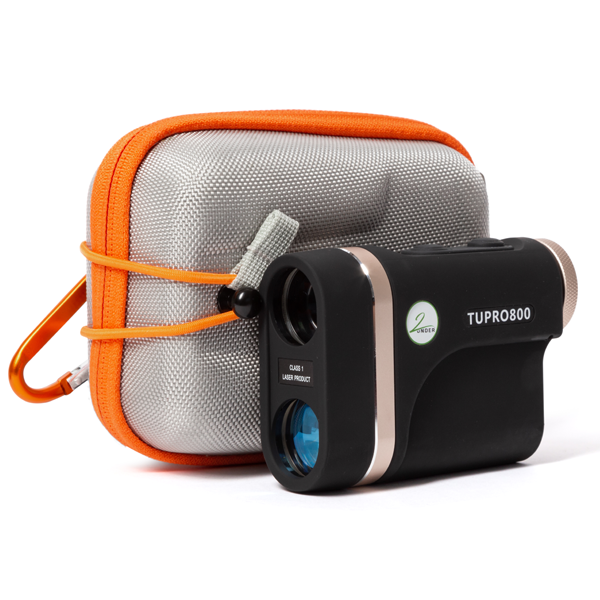 | 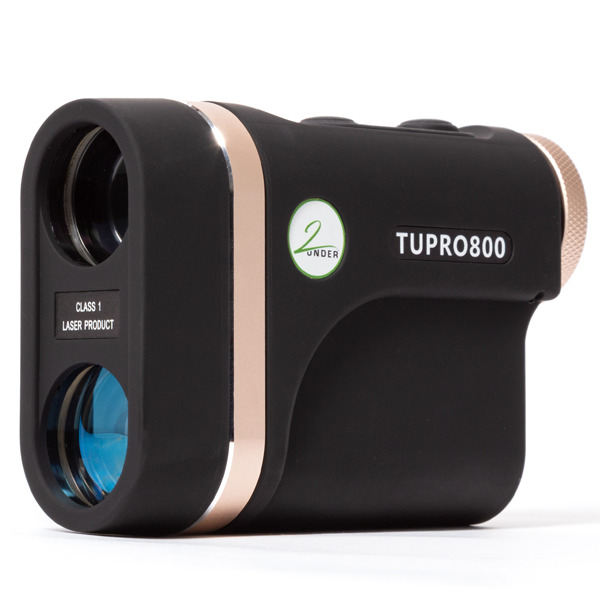 | 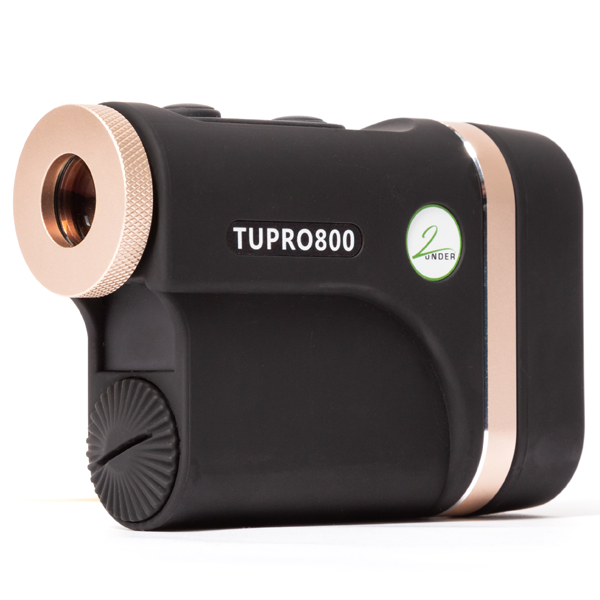 |  |
Mastering Your Golf Rangefinder: Tips for Accuracy & Performance on the Course
Introduction
The golf rangefinder has revolutionised the game, giving golfers precise distance measurements to enhance their shot selection and overall performance. Whether you're using a laser rangefinder or a GPS-enabled device, knowing how to use it correctly can give you a significant edge on the course.
At 2Under Golf, St Andrews, we believe in using the latest golf technology to improve your game. In this guide, we’ll cover the best rangefinder tips and techniques, ensuring you get the most accurate yardage readings to make smarter decisions on the course.
1. Get to Know Your Golf Rangefinder
Before you step onto the fairways of St Andrews or your local course, take time to familiarise yourself with your rangefinder:
✔️ Read the User Manual – Every device has unique features and settings.
✔️ Explore Online Tutorials – Many manufacturers offer helpful video guides.
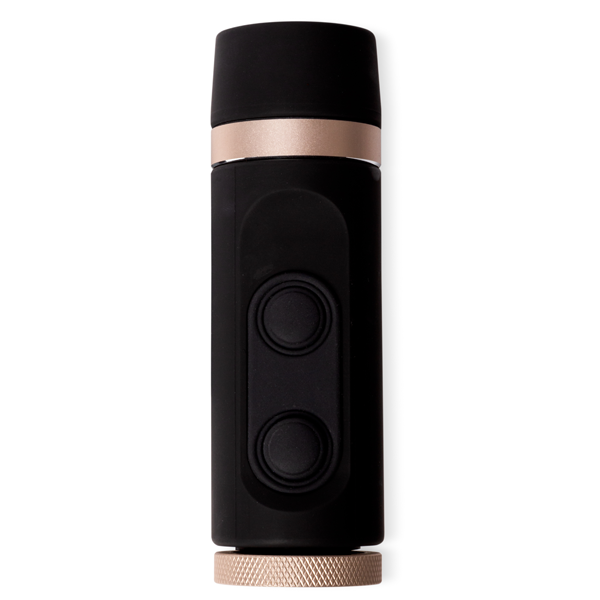
✔️ Understand the Buttons & Modes – Learn how to switch between standard and slope mode (if applicable).
Knowing your device well reduces distractions and allows you to focus on your swing, shot placement, and course management.
2. How to Improve Accuracy with a Golf Rangefinder
For best results, follow these expert tips when measuring distances:
a) Stabilise the Device
A shaky hand can result in inconsistent readings. To stabilise:
- Hold the rangefinder firmly with both hands.
- Rest your elbows against your body for added steadiness.
- If needed, use a tripod to maintain a stable aim.
b) Lock Onto the Flagstick
Most modern golf rangefinders come with pin-seeking technology to help identify the flagstick instead of background objects. Aim directly at the flag or reflective markers for the most accurate distance.
c) Avoid Reflective Surfaces
Be cautious when using your rangefinder near water hazards, glass windows, or reflective objects, as these can interfere with the device’s laser readings.
3. Understanding Slope Mode: Should You Use It?
Some advanced rangefinders offer a slope mode that factors in elevation changes to provide adjusted distances. This can be especially useful for hilly courses like those found in Scotland.
✔️ Pros of Slope Mode: Helps select the right club for uphill/downhill shots.
❌ Cons of Slope Mode: Not legal in tournament play (must be turned off).
If you play competitive golf, ensure that your rangefinder complies with USGA and R&A rules by disabling slope mode during events.
4. Using GPS Functions for Course Management
Many modern golf rangefinders feature built-in GPS mapping, allowing you to track hazards, bunkers, and layup distances with ease.
a) Update Your Course Maps
Before your round, check that your rangefinder has updated course maps to ensure the most accurate yardage readings.
b) Use GPS to Identify Hazards
With GPS mode, you can quickly locate:
Bunkers – Plan the safest approach shot.
Water Hazards – Avoid costly penalties.
Doglegs & Landing Zones – Set up for your best angle to the green.
5. Mastering Yardage Management for Better Shots
Understanding yardage data from your rangefinder can help you refine your shot strategy and improve club selection.
✔️ Know Your Club Distances – Track your average carry distance with each club.
✔️ Mark Key Yardages – Be aware of 100, 150, and 200-yard markers to strategize approach shots.
✔️ Practice with Your Rangefinder – Use it during warm-ups to get comfortable with distances and calibration.